
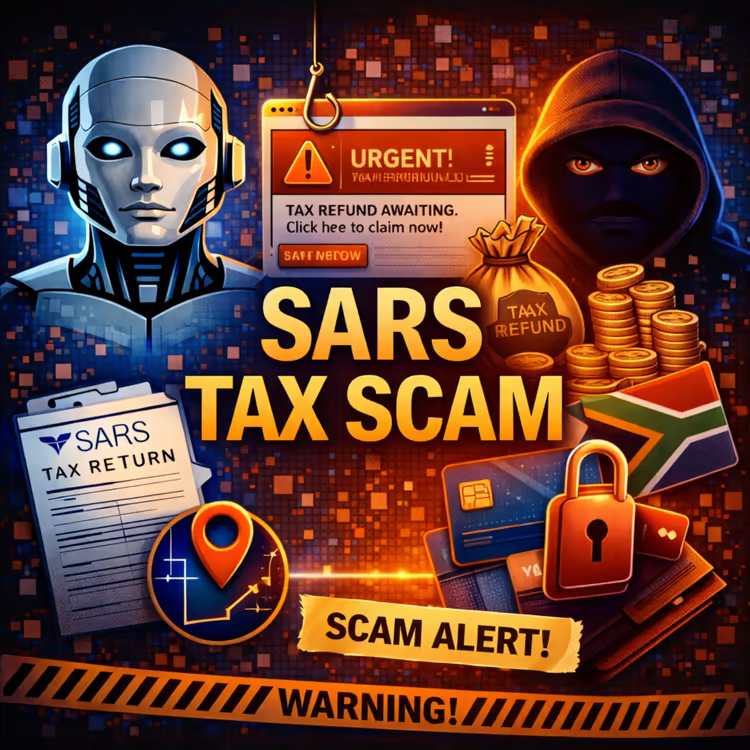
CyberSense - SARS Tax Scam
Loading player...
🧾 CYBER SENSE ALERT: Spotting SARS Scams in South Africa 🧾
Fake SARS messages are everywhere. Here's how to protect your tax information.
Your SARS Safety Plan:
KNOW HOW SARS CONTACTS YOU.
SARS will never send a link asking for your PIN, password, or banking details.
SARS communicates mainly through eFiling—you log in yourself to check messages.
NEVER CLICK LINKS IN TAX MESSAGES.
Got an SMS or email about a refund or payment? Don't click anything.
Open your browser, type sarsefiling.co.za manually, and log in to check.
VERIFY ANY PAYMENT REQUEST.
Scammers demand eWallet or direct bank transfers to fake "SARS accounts."
SARS does not collect payments that way. Log into eFiling to see your real balance.
BEWARE OF UNEXPECTED REFUNDS.
A random R5,000 refund out of nowhere? That's a trap.
Check eFiling first. No refund there? Delete the message.
REPORT SUSPICIOUS MESSAGES.
Forward fake emails to: Phishing@sars.gov.za
Forward fake SMSes to: 33600
This helps SARS track and shut down scammers.
If You Already Clicked and Shared Details:
Call your bank's fraud hotline immediately.
Change your eFiling password from a clean, different device.
Call SARS fraud hotline: 0800 00 2870
Open a case at your local SAPS.
Key Numbers to Save Now:
SARS Fraud Hotline: 0800 00 2870
Report Phishing Emails: Phishing@sars.gov.za
Report Phishing SMS: 33600
Bottom Line: SARS will never ask for your PIN or banking details via a link. Log into eFiling directly to check any claim.
Stay safe out there!
- Declan Hardie, Impact 103
Fake SARS messages are everywhere. Here's how to protect your tax information.
Your SARS Safety Plan:
KNOW HOW SARS CONTACTS YOU.
SARS will never send a link asking for your PIN, password, or banking details.
SARS communicates mainly through eFiling—you log in yourself to check messages.
NEVER CLICK LINKS IN TAX MESSAGES.
Got an SMS or email about a refund or payment? Don't click anything.
Open your browser, type sarsefiling.co.za manually, and log in to check.
VERIFY ANY PAYMENT REQUEST.
Scammers demand eWallet or direct bank transfers to fake "SARS accounts."
SARS does not collect payments that way. Log into eFiling to see your real balance.
BEWARE OF UNEXPECTED REFUNDS.
A random R5,000 refund out of nowhere? That's a trap.
Check eFiling first. No refund there? Delete the message.
REPORT SUSPICIOUS MESSAGES.
Forward fake emails to: Phishing@sars.gov.za
Forward fake SMSes to: 33600
This helps SARS track and shut down scammers.
If You Already Clicked and Shared Details:
Call your bank's fraud hotline immediately.
Change your eFiling password from a clean, different device.
Call SARS fraud hotline: 0800 00 2870
Open a case at your local SAPS.
Key Numbers to Save Now:
SARS Fraud Hotline: 0800 00 2870
Report Phishing Emails: Phishing@sars.gov.za
Report Phishing SMS: 33600
Bottom Line: SARS will never ask for your PIN or banking details via a link. Log into eFiling directly to check any claim.
Stay safe out there!
- Declan Hardie, Impact 103


